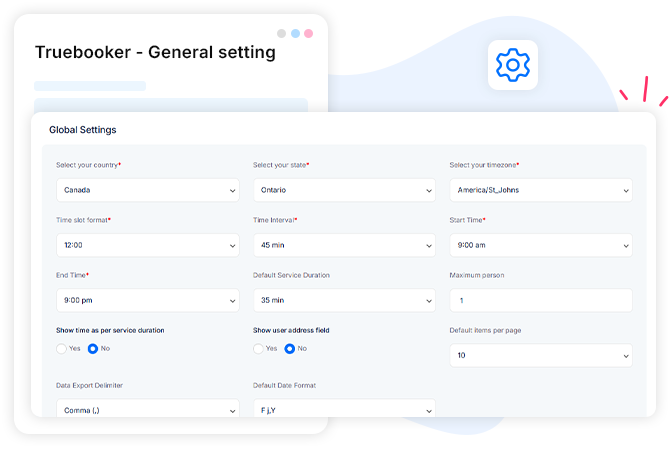
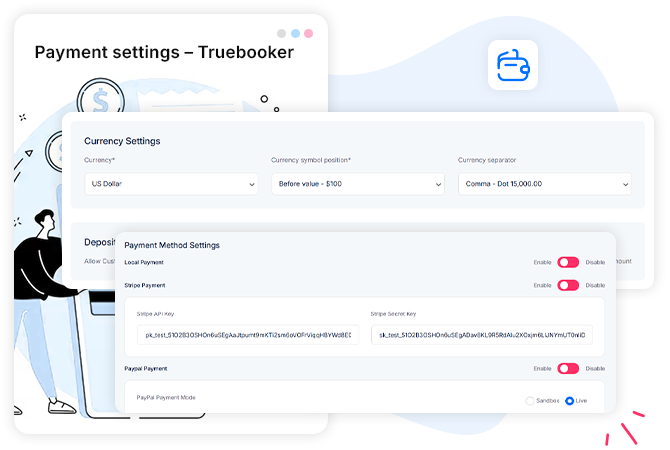
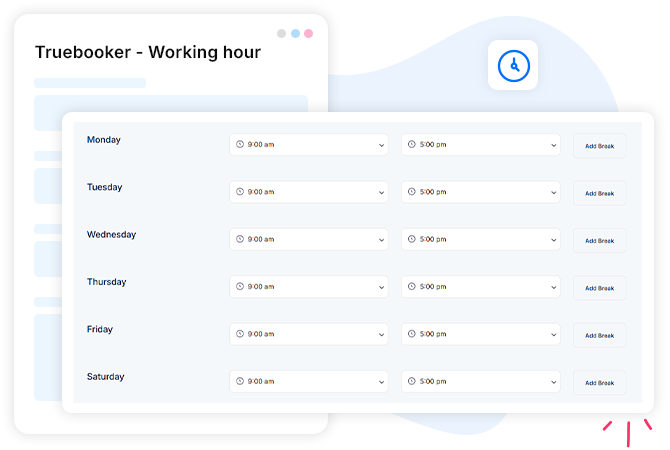
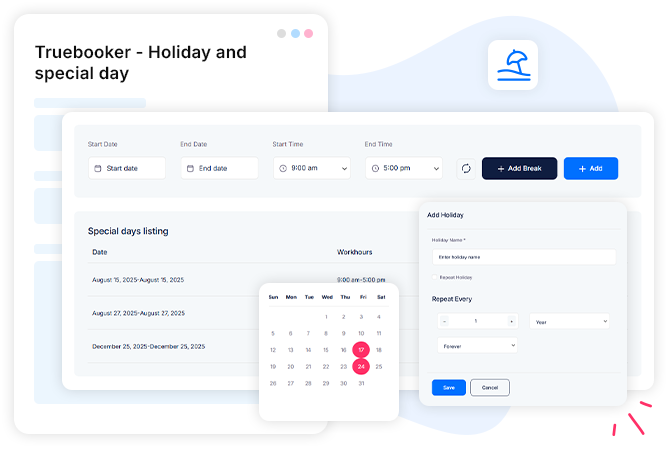
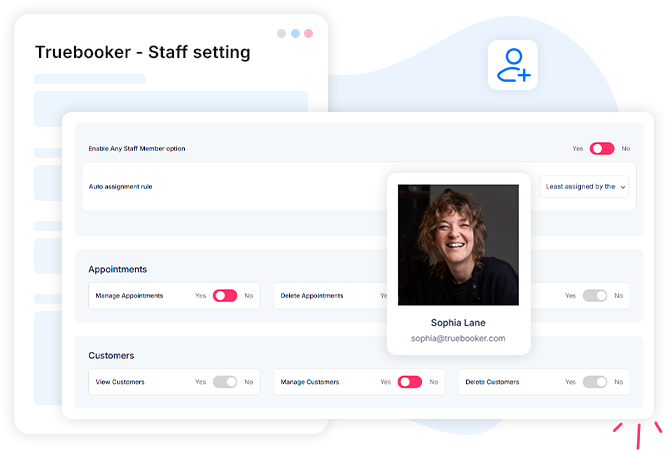
Setting controls Core setup Truebooker global settings Truebooker global settings panel gives you full control over system-wide preferences and default configurations. View demos Account setup Truebooker - General setting Customize preferences to ensure smooth scheduling and a seamless experience for both you and your clients. View demos Layout setting Truebooker - Customize settings This setting allows you to customize the visual appearance of Truebooker. You can manage the Truebooker style shortcode box, adjust color settings, and select font-family options to match your website design. Style shortcode box Color setting Font family setting View demos Payment assurance Truebooker - Payment settings This setting will enable you to configure different options for accepting payments in Truebooker, here you can manage and customize payments. Currency settings Deposit payment settings Payment method settings Appointment cancellation refund policy View demos Truebooker message Truebooker - Notification settings The Notification settings allow you to send booking alerts via SMS and WhatsApp using the Twilio API. View demos Work schedule Truebooker - Working hour Truebooker lets you set specific working hours and also can manage break time along with it. View demos Leave & occasions Truebooker - Holiday and special day The holiday and special day settings in Truebooker let you manage non-working days and unique schedules with ease. View demos Staff management Truebooker - Staff setting The Staff Settings section gives each team member the tools they need to manage their work efficiently. Appointments – View, manage, and update their scheduled bookings. Customers – Access client details, booking history, and notes. Profile – manage special day, holidays , working hours View demos 50+ Premium add-ons totally free Get first-hand experience with the Truebooker plugin Purchase now